There are many actions, including during testing, that you may need to run your command prompt session under the System user. This guide is on how to do that.
Download PSTools
First, download PSTools from Microsoft. PSTools is part of the Sysinternals suite and contains several powerful utilities, including PsExec, which allows you to launch processes under different user contexts.
You can download PSTools here:
Once downloaded, extract the archive to a location of your choice. In this example, the files are extracted to the Desktop.
Next, open Command Prompt as an administrator and change to the directory containing the PSTools files.
Launch PowerShell as System
To run your PowerShell session as System, run the following command in your PSExec directory as administrator;
psexec -i -s powershell.exe
Launch Command Prompt as System
To run your Command Prompt session as System, run the following command in your PSExec directory as administrator;
psexec -i -s cmd.exe
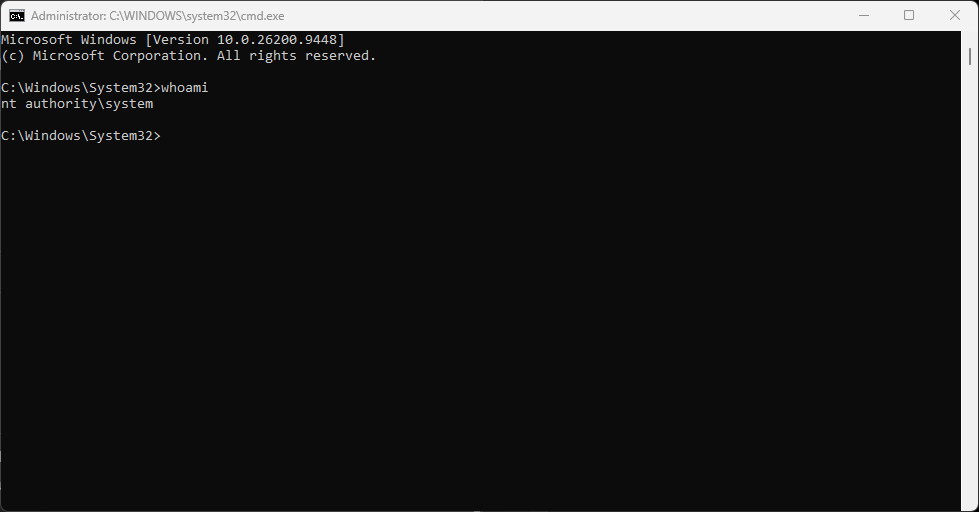
This will now open your Command Prompt or PowerShell session as System.
You can verify this by running the command;
whoami